A calmer way to sit with your bass.
Learn songs. Capture ideas. Jam over backing tracks. Bass Buddha is a practice companion that stays out of your way.
four strings. deep pocket. just the groove.
Free on the App Store. No account, ever.

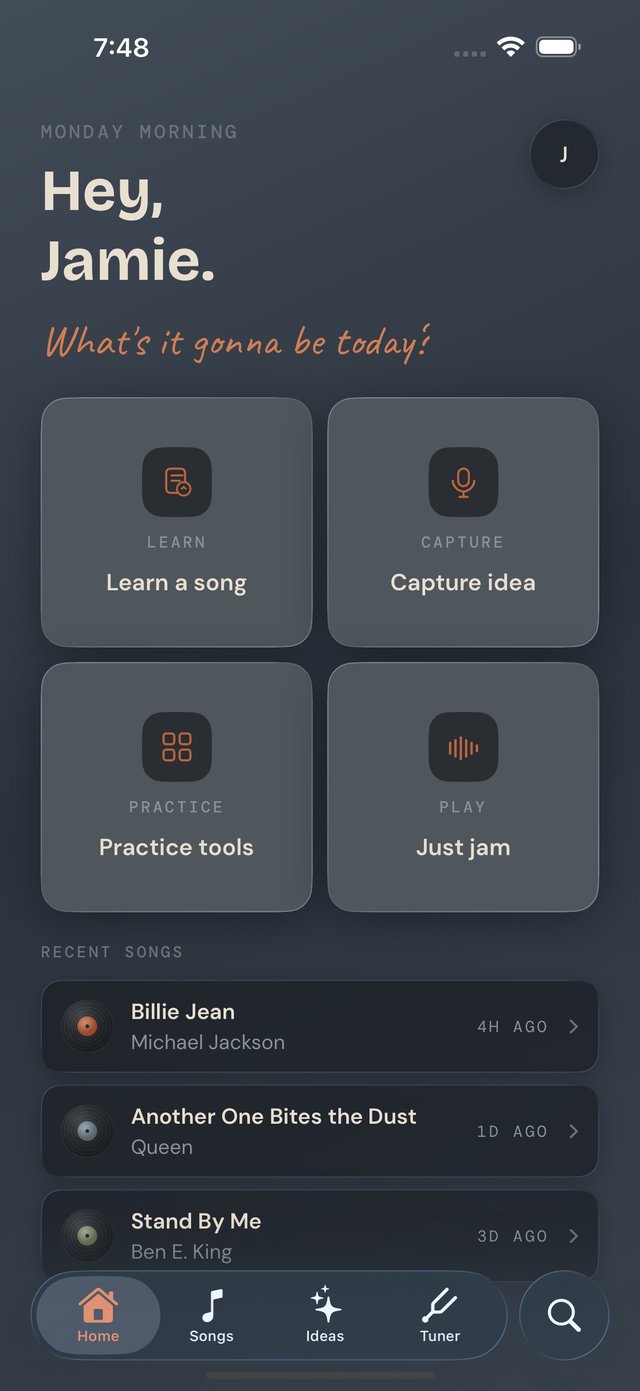
Learn a song. Feel the pocket. Sit down and play.
Built around how you actually play.
Nothing tracks you. Nothing nags you. Everything stays on your device.
Your library, in the pocket.
Over a thousand songs are already in the catalog, chords ready — browse them by genre or by artist, or search the lot by title, artist or a chord you already know. Pull one up, see its bass chords, and record yourself working it out — transpose on the fly, let the tab scroll hands-free, or export the sheet as a PDF. Tap "Play it with the band" and drums, bass and keys pick up its chords behind you. Line songs up into setlists for the next jam. The library remembers everything you've sat with — quietly, in order of how recently it mattered.
Catch the riff before it slips away.
Hum it, play it, or jot it down before it slips away — a riff, a bassline, a chord shape, caught in seconds. Tag it. Find it later.
A backing band, on tap.
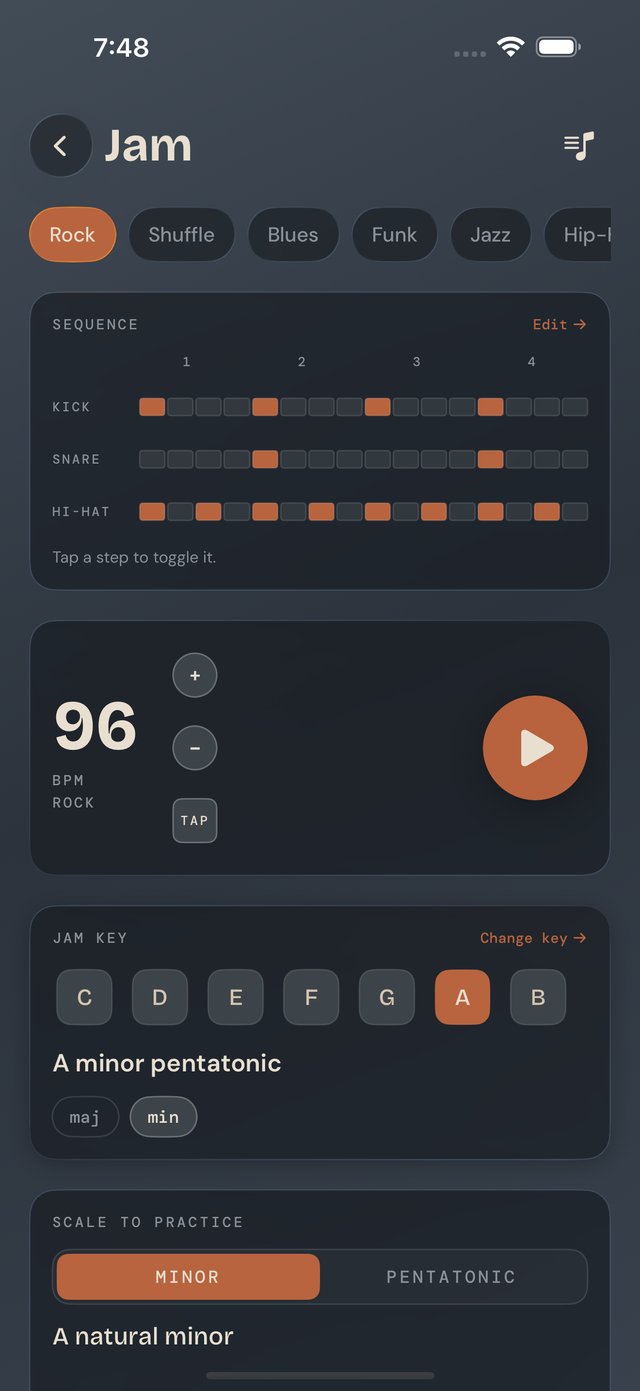
Set a key. Pick a feel. Drums, bass and keys lock in behind you. Loop it, change it, record yourself over the top.
Sharp ear. Low end covered.
Nine tunings: Standard E A D G, Drop D, Half-Step Down, D Standard, BEAD, five-string B–G and E–C, Bass VI and 6-string — plus a custom editor for four, five or six strings, and a library to keep the ones you actually use.
Chords, scales, drills, metronome.
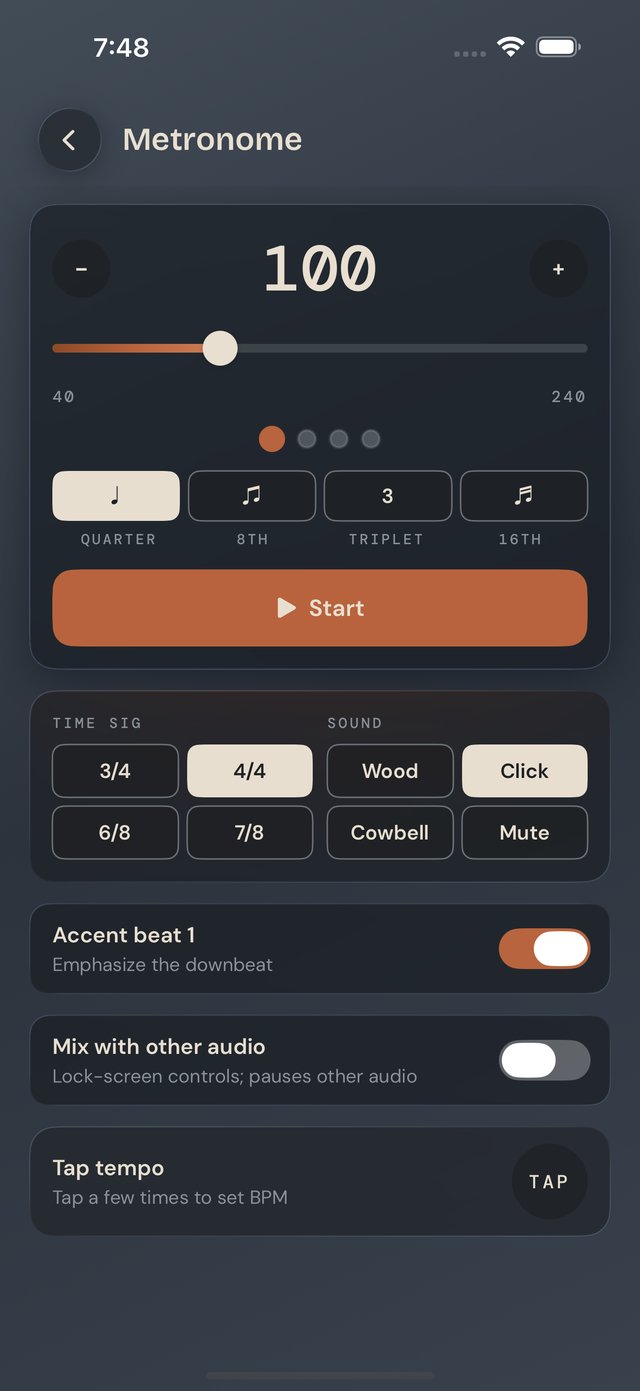
168 bass chords, sorted by family and waiting at all twelve roots, and 70 scales across the whole neck — the modes of harmonic and melodic minor among them, and you can build your own when the one you want isn't there. Groove patterns from down beats to ghost notes, an ear trainer, a fretboard trainer, and a 40–240 BPM metronome. Three ready-made routines are there to start from, or build your own and it runs itself.
The changes, with a band behind them.
Forty-one chord progressions sorted into genre and mood packs — blues turnarounds, jazz ii–V–I, pop, soul, dreamy. Play one and the whole band picks it up; swap the groove and it re-feels the same changes, with a hint showing how the bass wants to move underneath: root, walking or boogie. Or build your own — the builder leads with the chords that live in your key, plus borrowed chords and secondary dominants, each labelled so you learn the moves as you stack them. Any chord can hang for a bar or four.
Made for the in-between moments.
The basement half-hour. The van before load-in. The morning before anyone else is up.
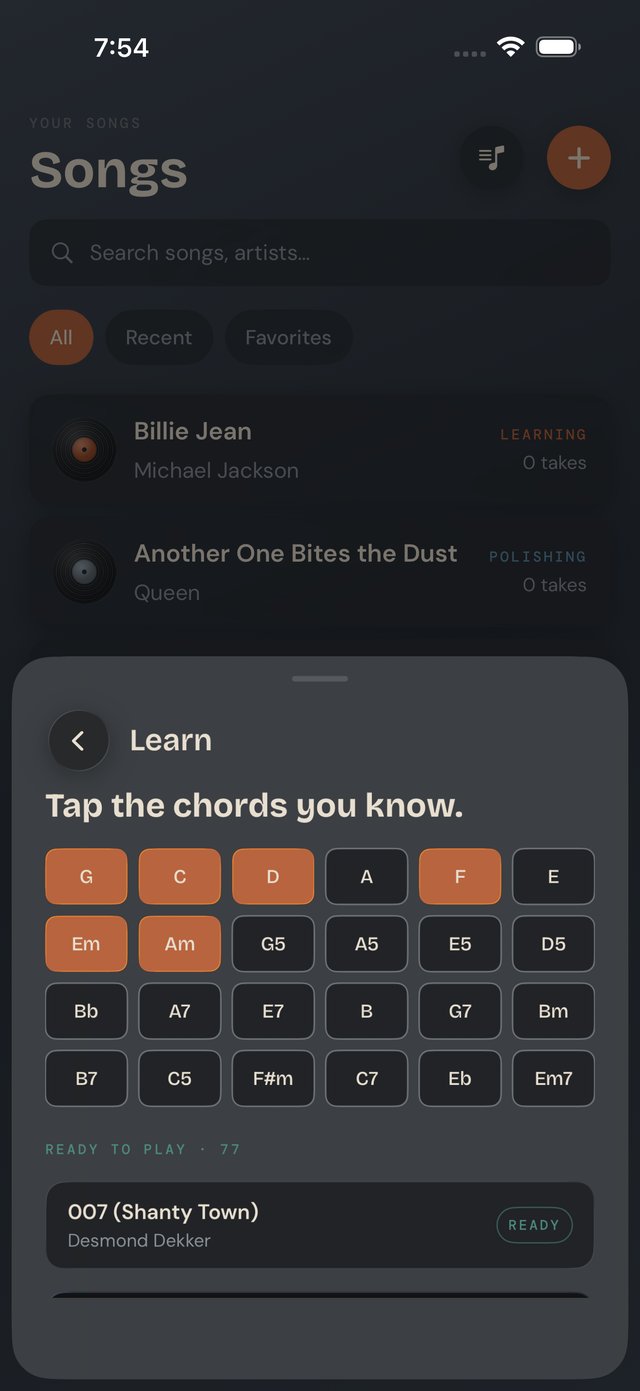
On your wrist, when your hands are full.
Metronome, tuner, and chord diagrams on Apple Watch — the tools you reach for most, one glance away.
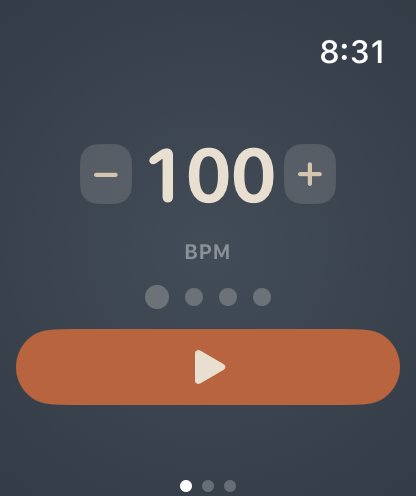
A metronome on your wrist.
Tap + or − to set the tempo. Feel every beat in haptics — no need to look down.
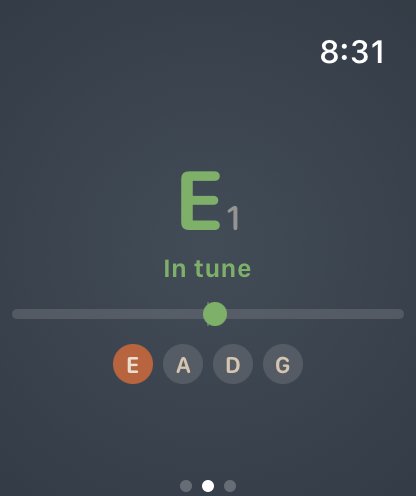
Tune up without your phone.
An open-string tuner for standard E A D G, right on your wrist. Check your tuning mid-song without reaching for anything — alternate tunings and the 432–444 Hz reference live on the phone.
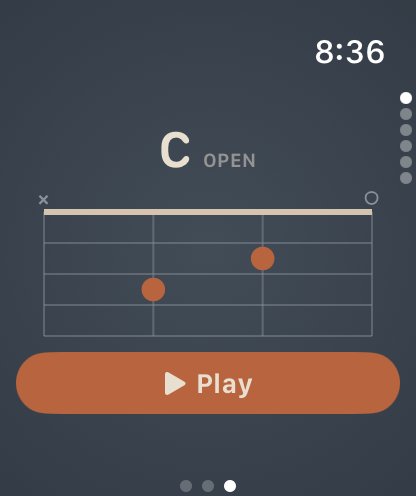
Chord diagrams at a glance.
The shape you need, right there. Tap Play to hear it — without touching your bass.
Nothing leaves your device.
No accounts. No syncing to "the cloud." No data sold or shared. Your songs, your ideas, your takes — all yours, on your device.
- No accounts, ever. Open the app and you're already in.
- No telemetry by default. Optional anonymous analytics are off unless you turn them on.
- No internet required. Every feature works offline — basement, tour bus, off-grid.
- Your takes stay on your device. Export to share — never automatic.
- Your practice comes with you. Back up your log, routines, and saved setups to a file you keep — and read it back on a new phone. No account, no upload.
Free, with a tip jar.
Every feature, unlocked from day one. No subscription. No paywall. No ads tracking you between sessions.
Pick the room you're playing in.
The app ships with four themes. Try them right here — your selection follows you down the page.
I built Bass Buddha for the version of me who picks up the bass at 11pm, locks into a groove for forty minutes, and forgets what song started it by Tuesday. It's a place to put the practice. Quietly. Without anyone counting.