User Guide
Everything the app can do.
A complete walkthrough of Bass Buddha — every tab, every tool, every screen. Start at the top or jump straight to what you're looking for.
Basics
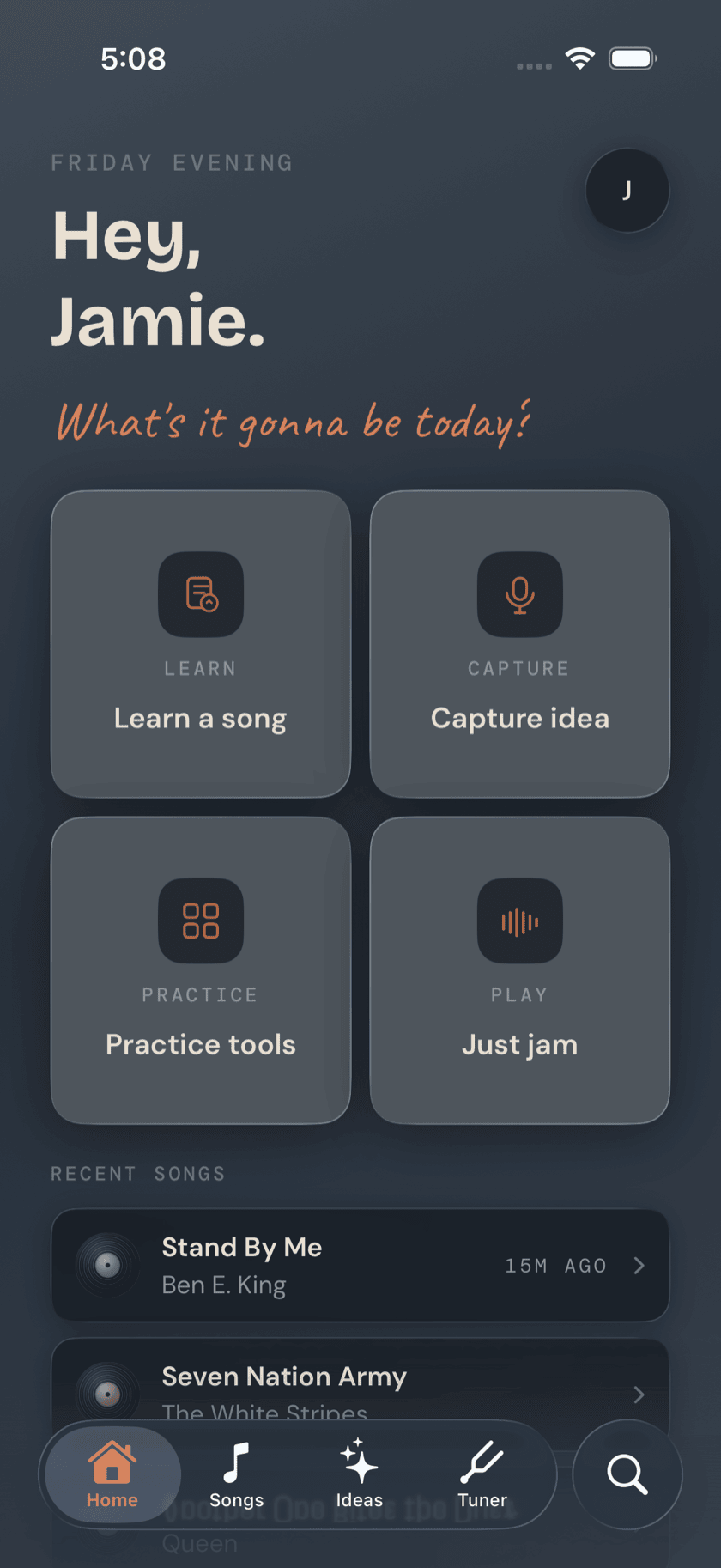
Getting Started
What the app is for, how it's laid out, and what happens the first time you open it.
Basics
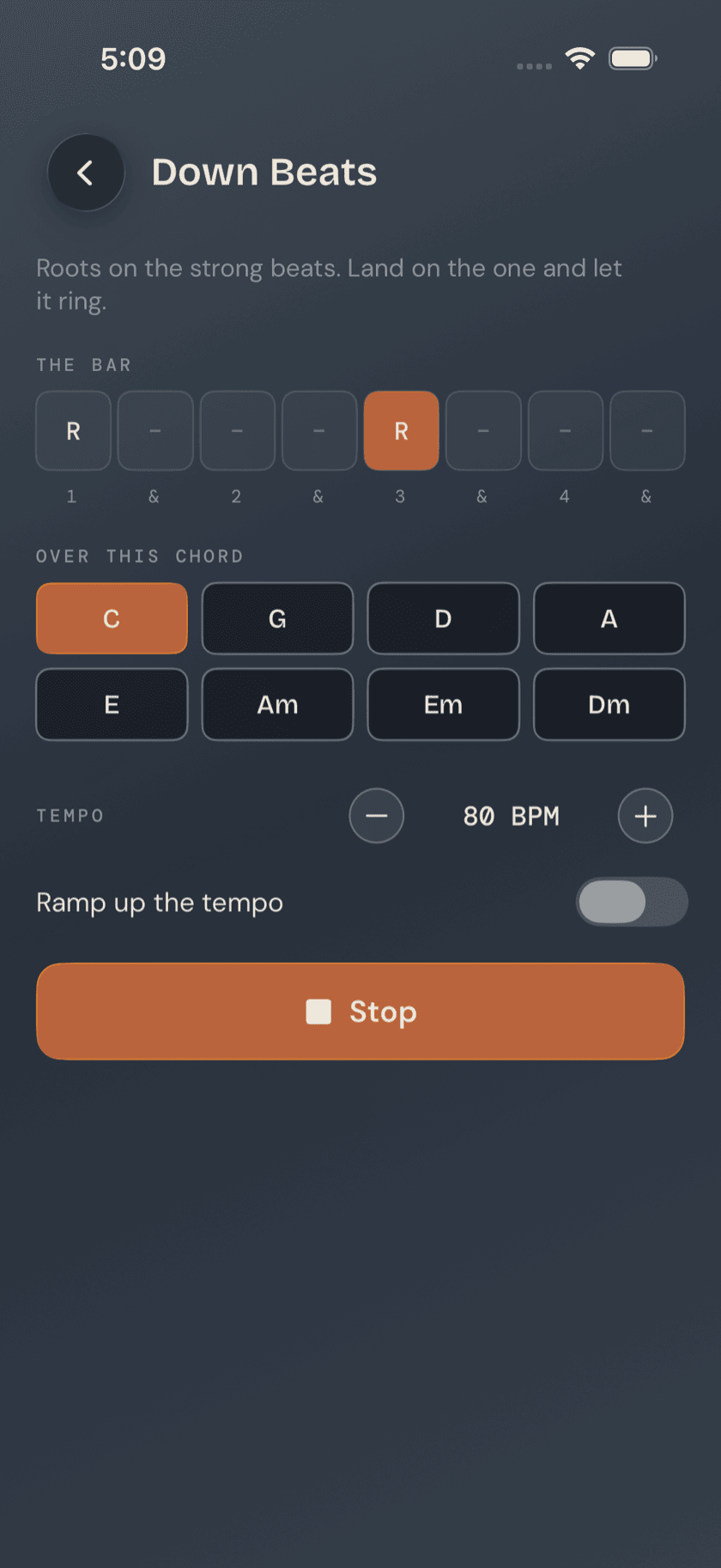
Your First Two Weeks
Which tools, in what order — a warm-up, a dozen notes, one groove, and your first song.
Basics
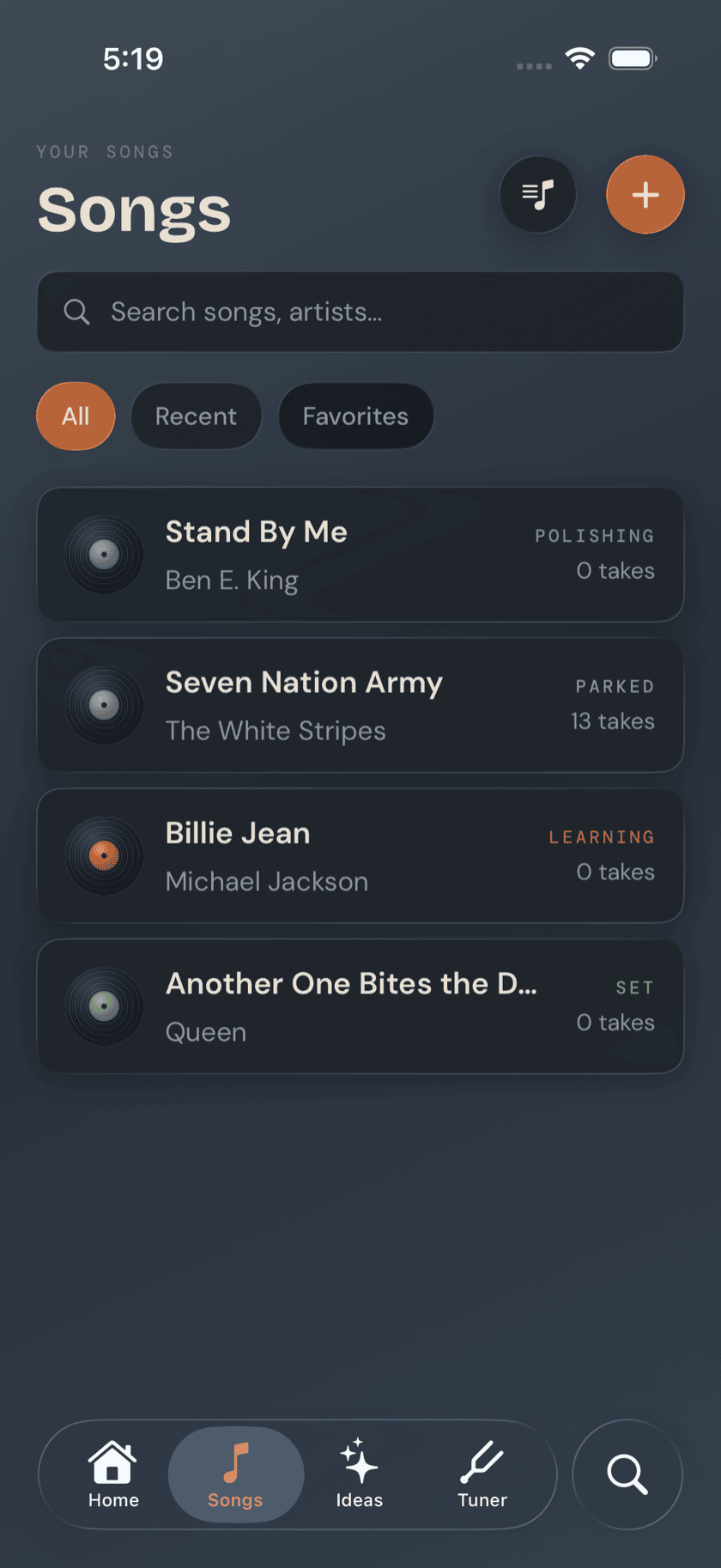
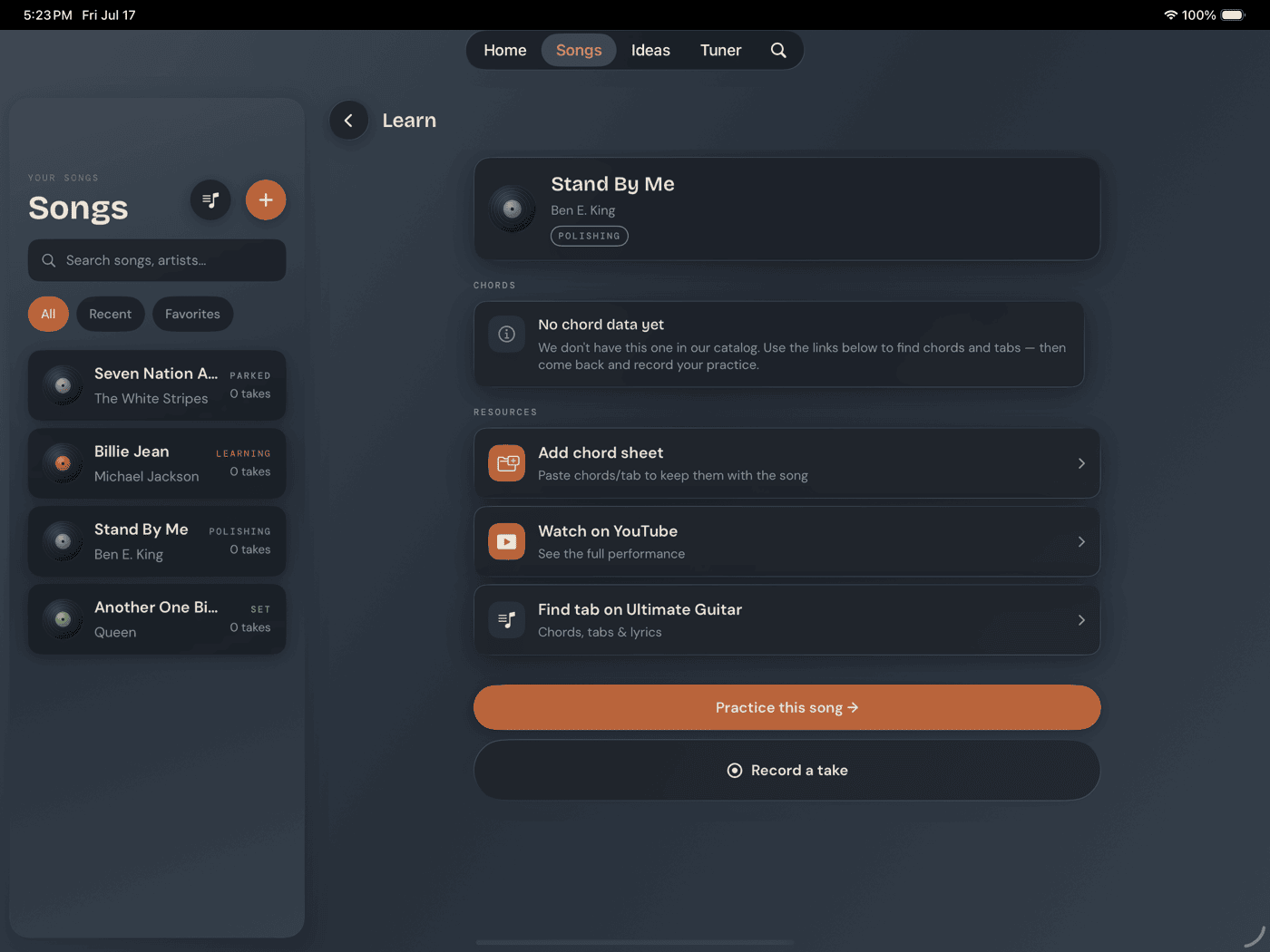
Songs
Your library — chords, key, imported tab, and your recorded takes.
Basics
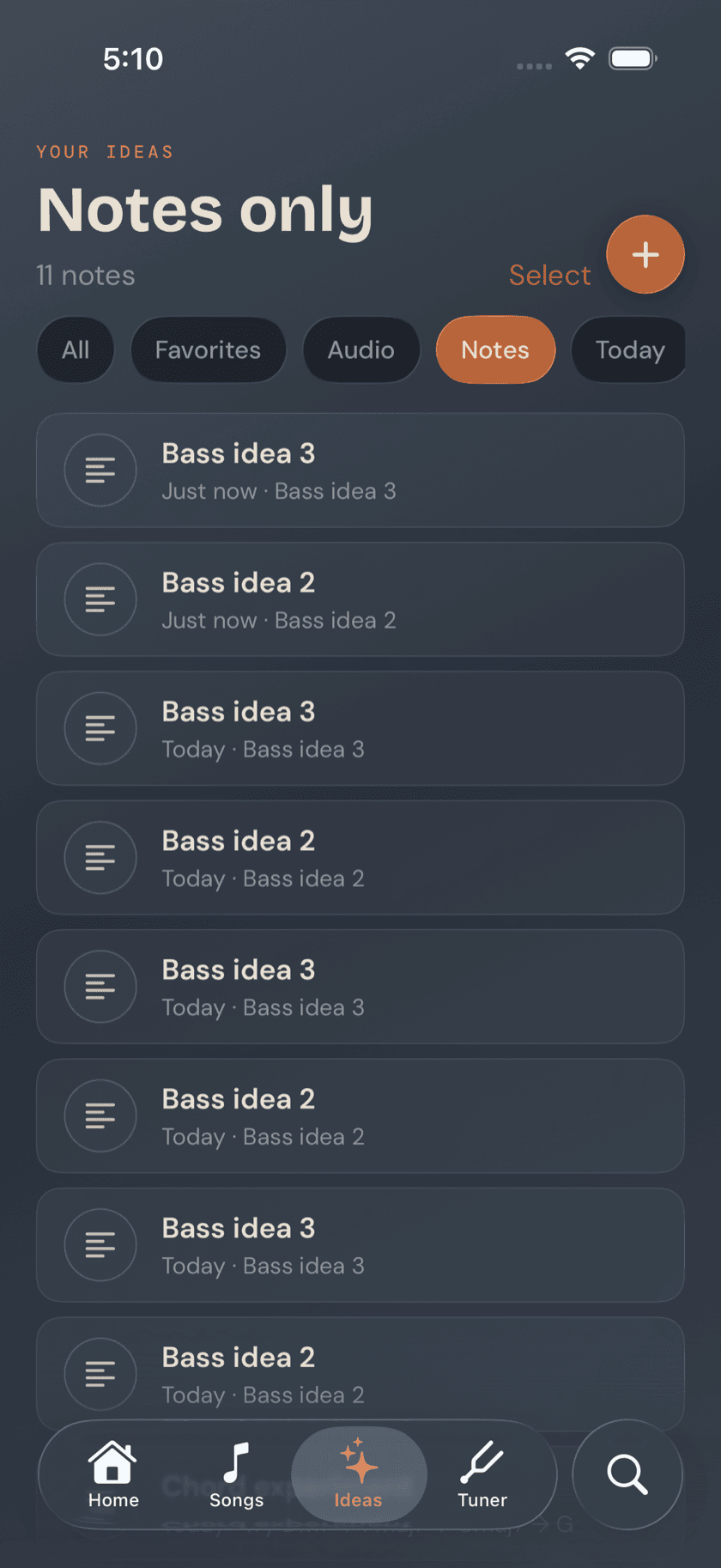
Ideas
A judgment-free place for riffs, basslines, and half-formed thoughts.
Basics
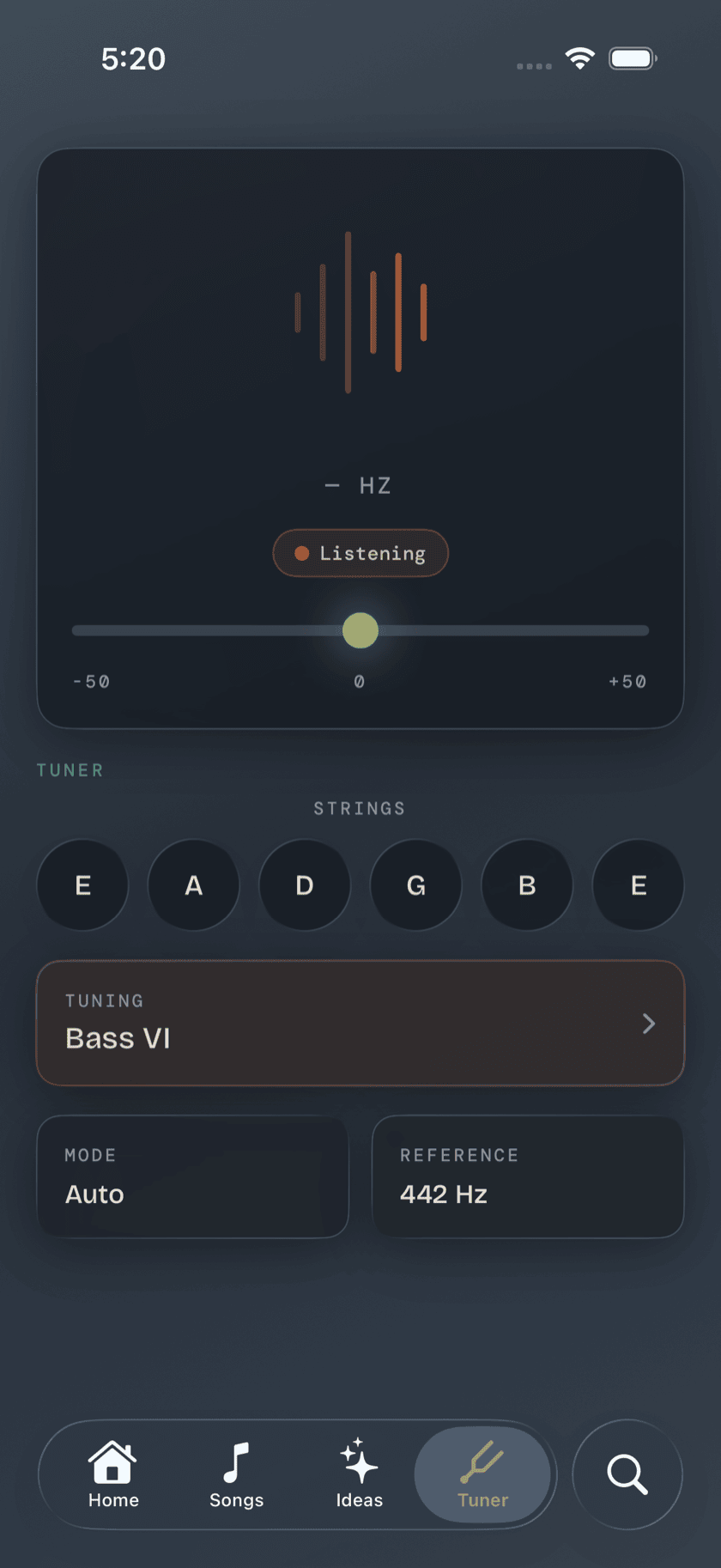
Tuner
A low-frequency chromatic tuner with every alternate tuning built in.
Basics
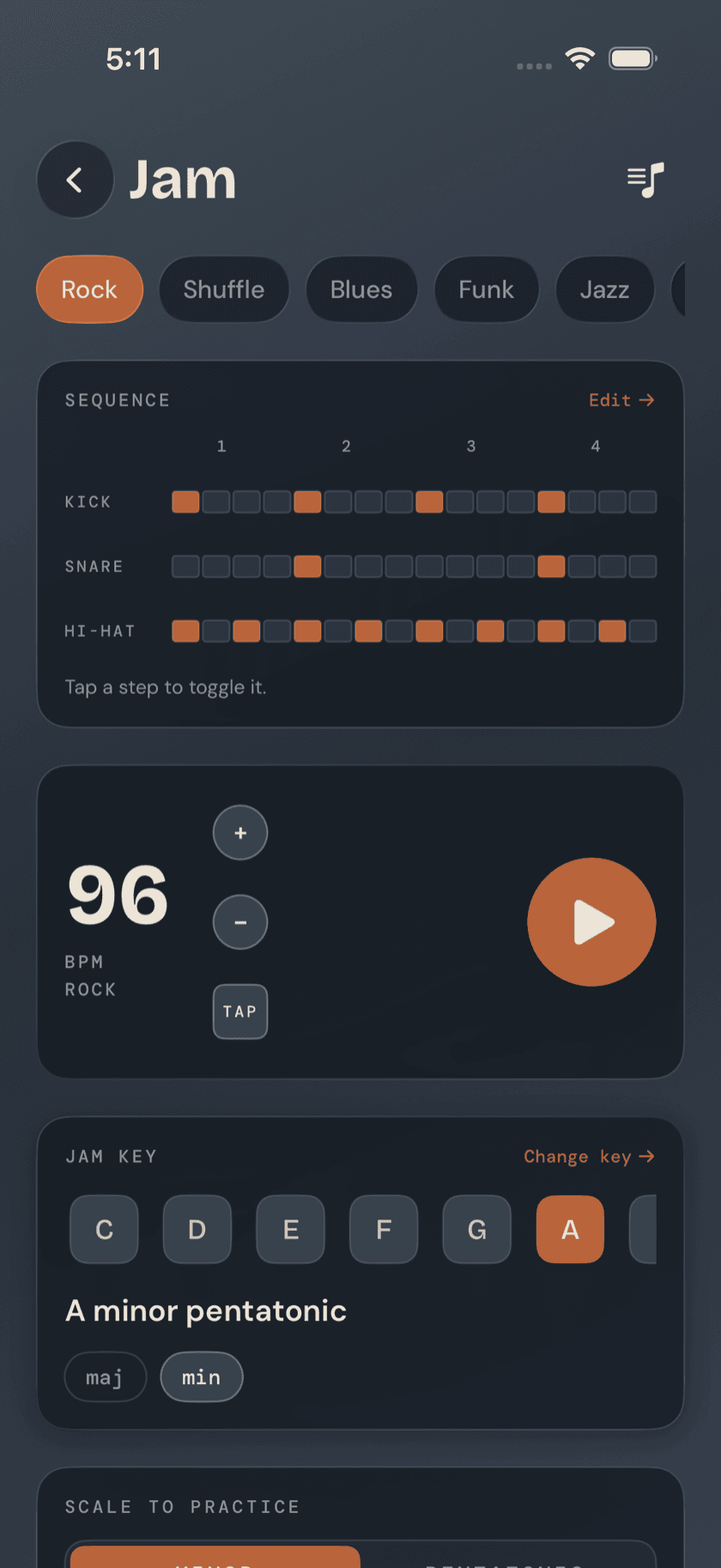
Jam
A full backing band — drums, bass, and keys — that starts the second you press play.
Practice Hub
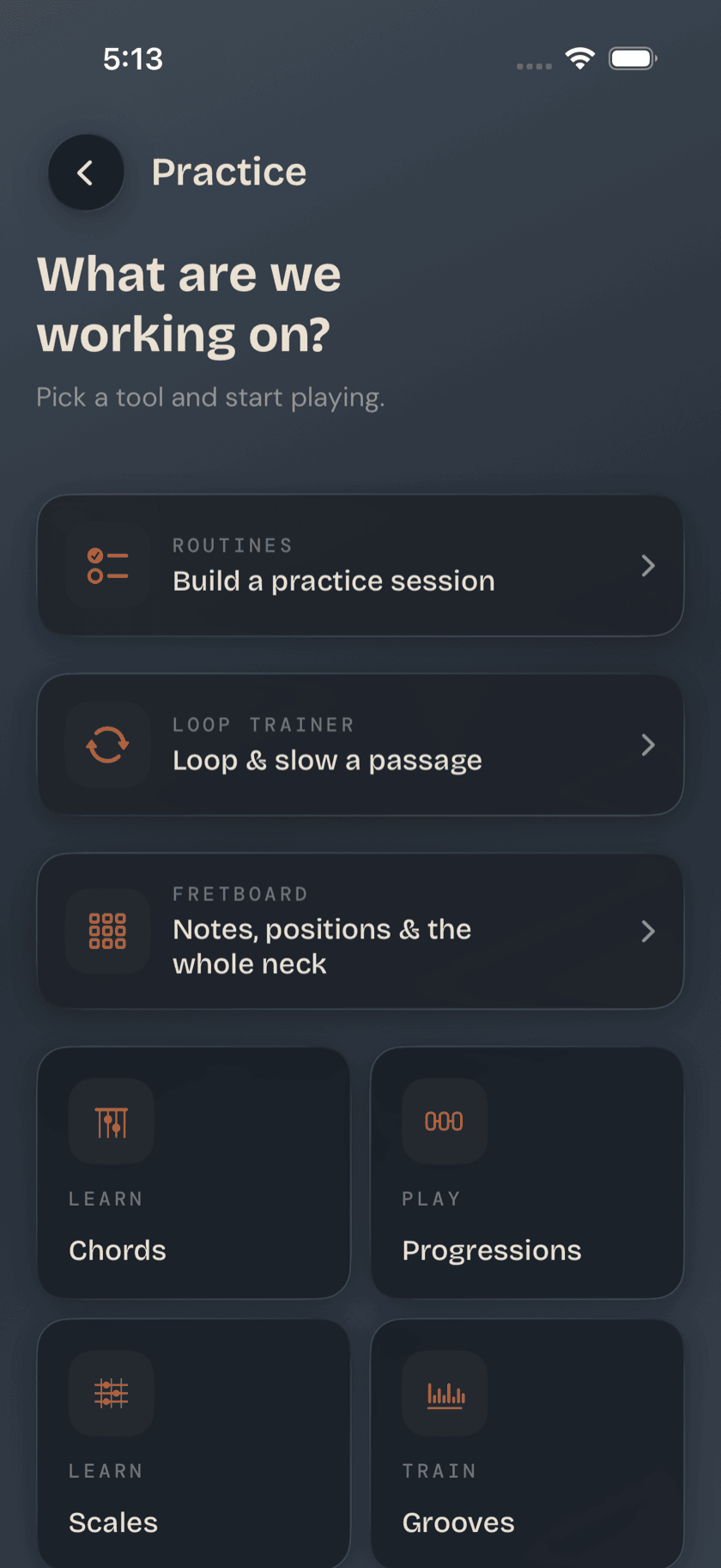
Practice Hub
A map of every structured practice tool in the app, before the tool pages that follow.
Practice Hub
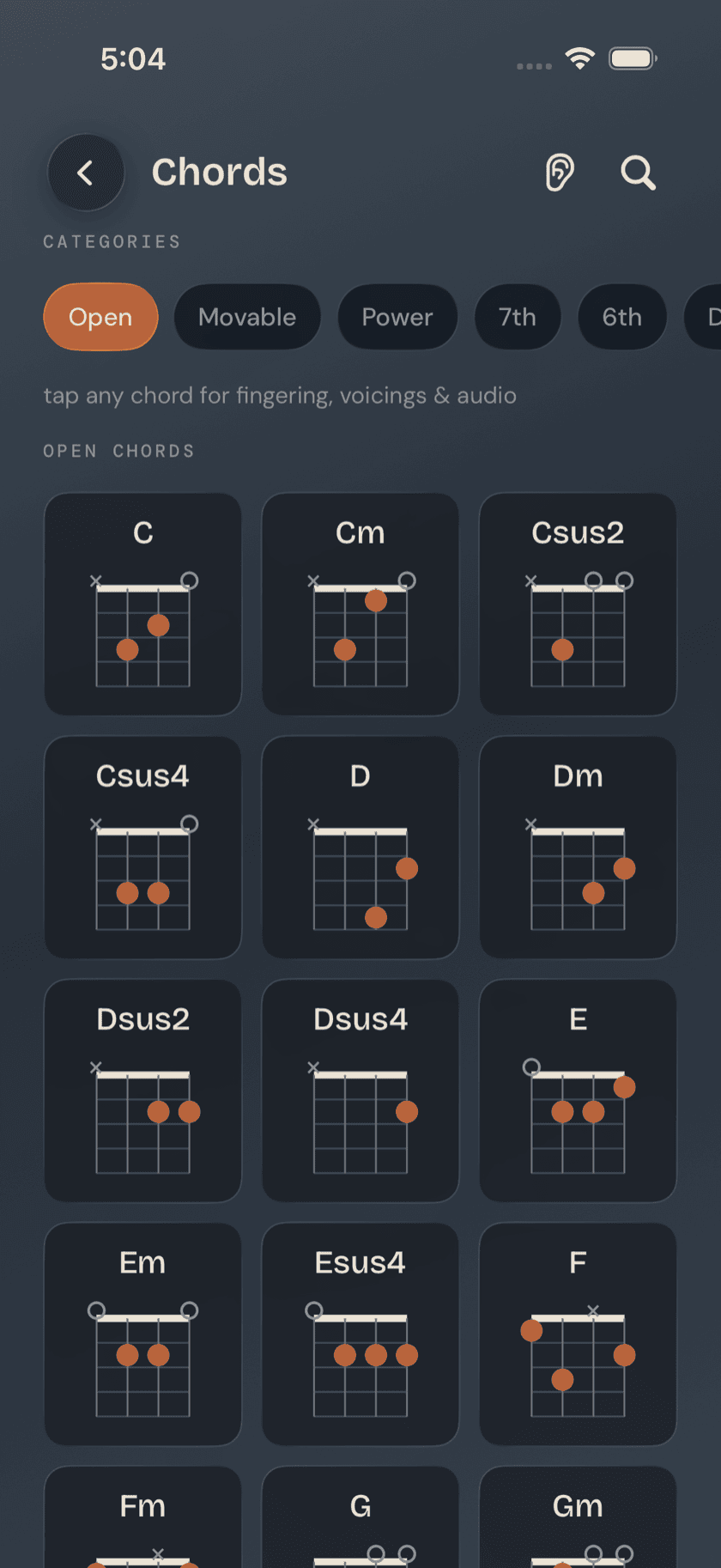
Chords and Scales
Browse any chord or scale, then have the app listen while you actually play it.
Practice Hub
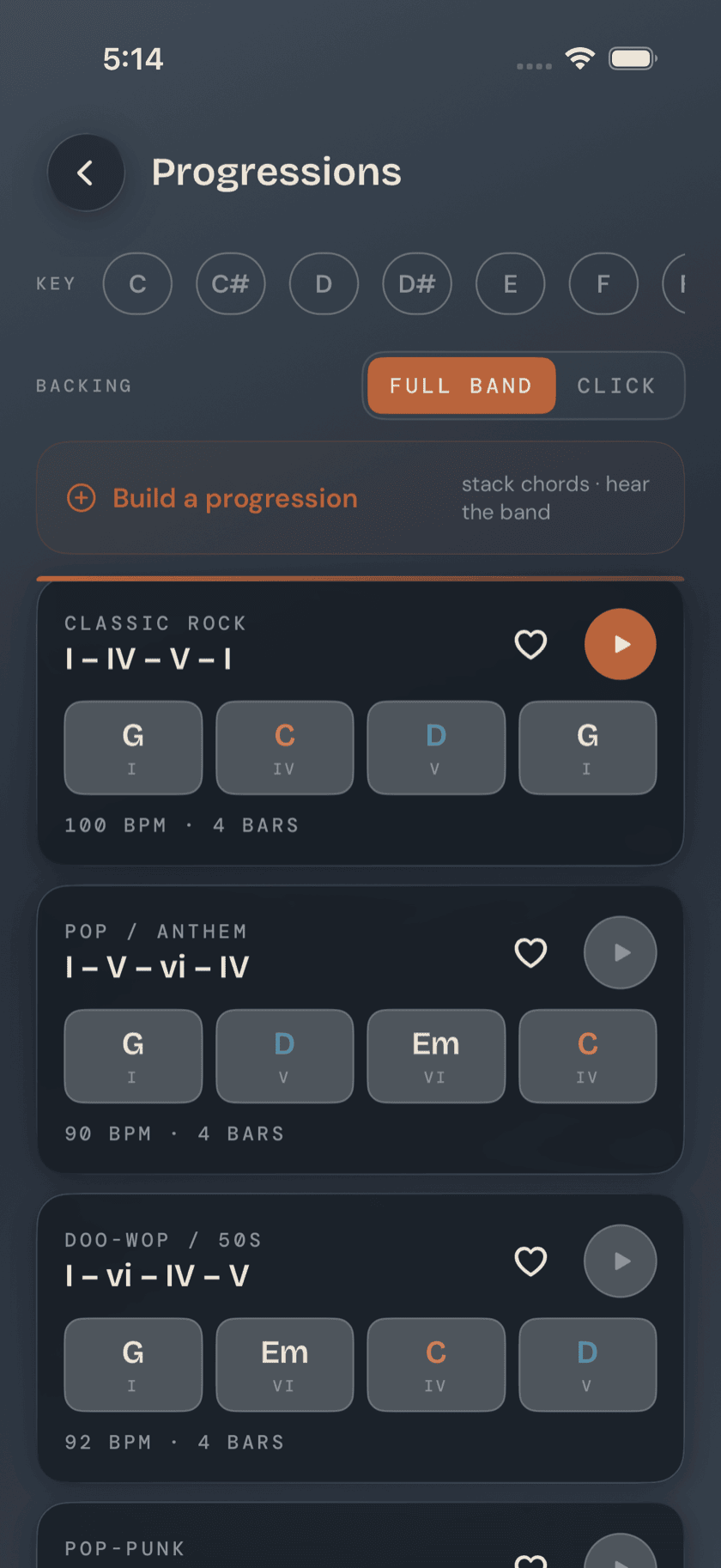
Progressions
Common chord changes that play behind a full rhythm section.
Practice Hub
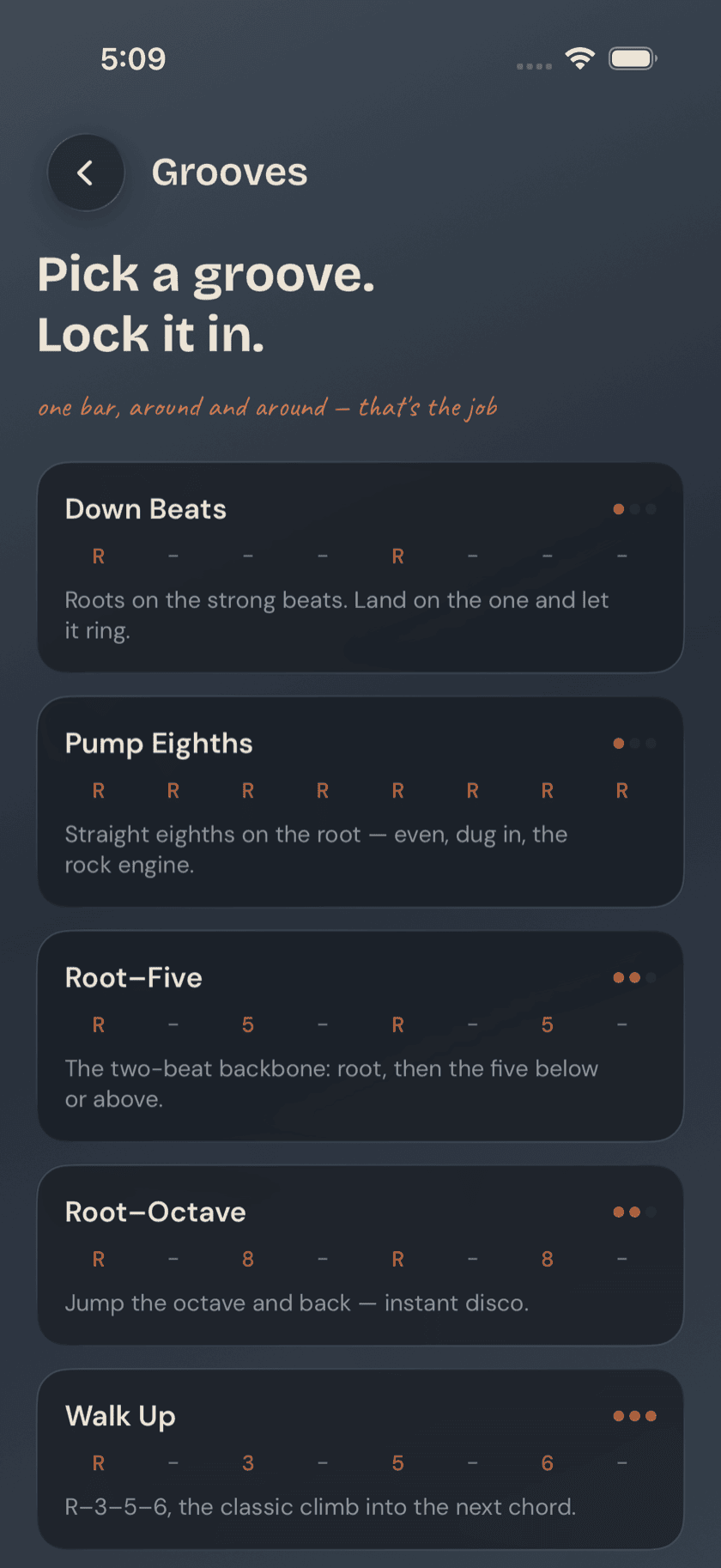
Grooves
One-bar bassline shapes — root, fifth, octave — drilled until they're automatic.
Practice Hub
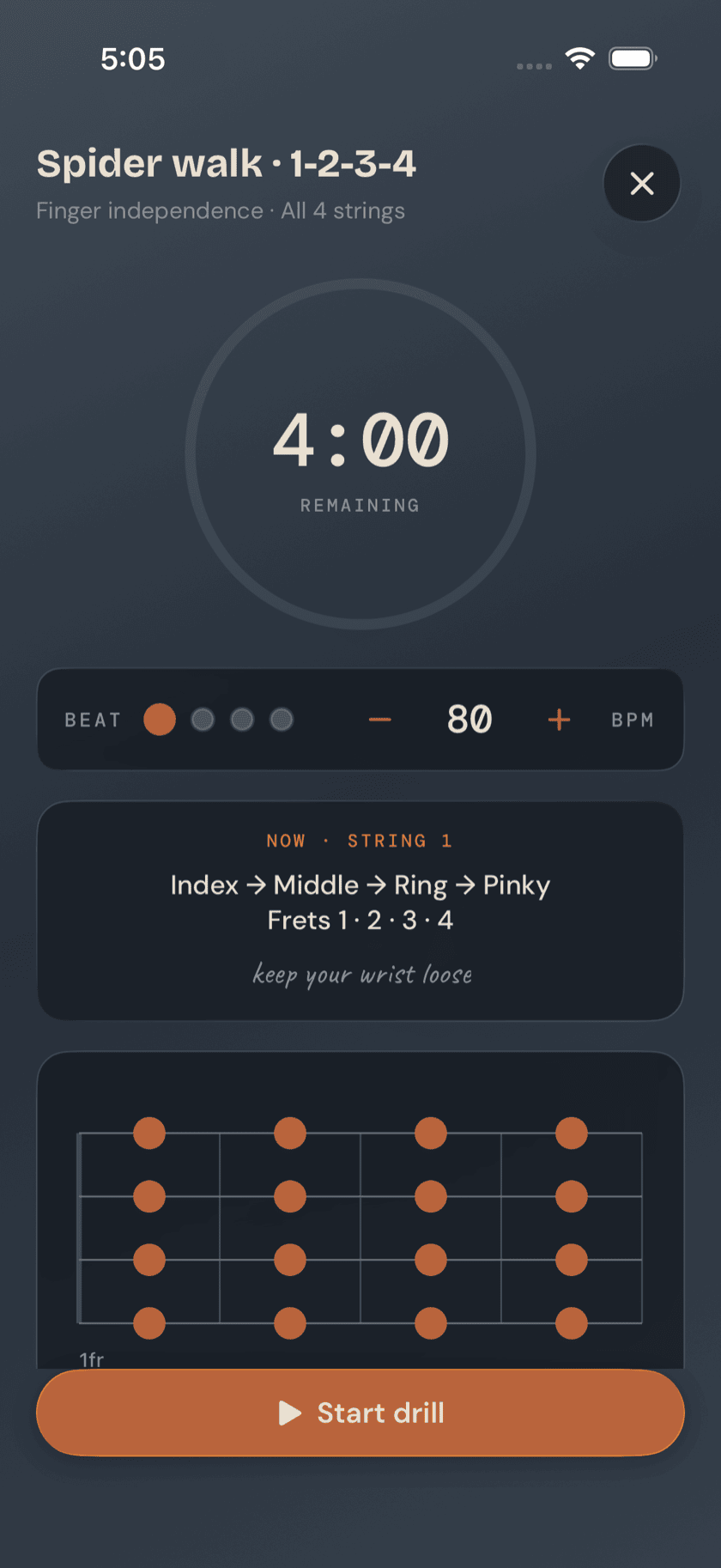
Drills & Ear Training
Short, timed exercises for finger independence, faster changes, and a trained ear.
Practice Hub
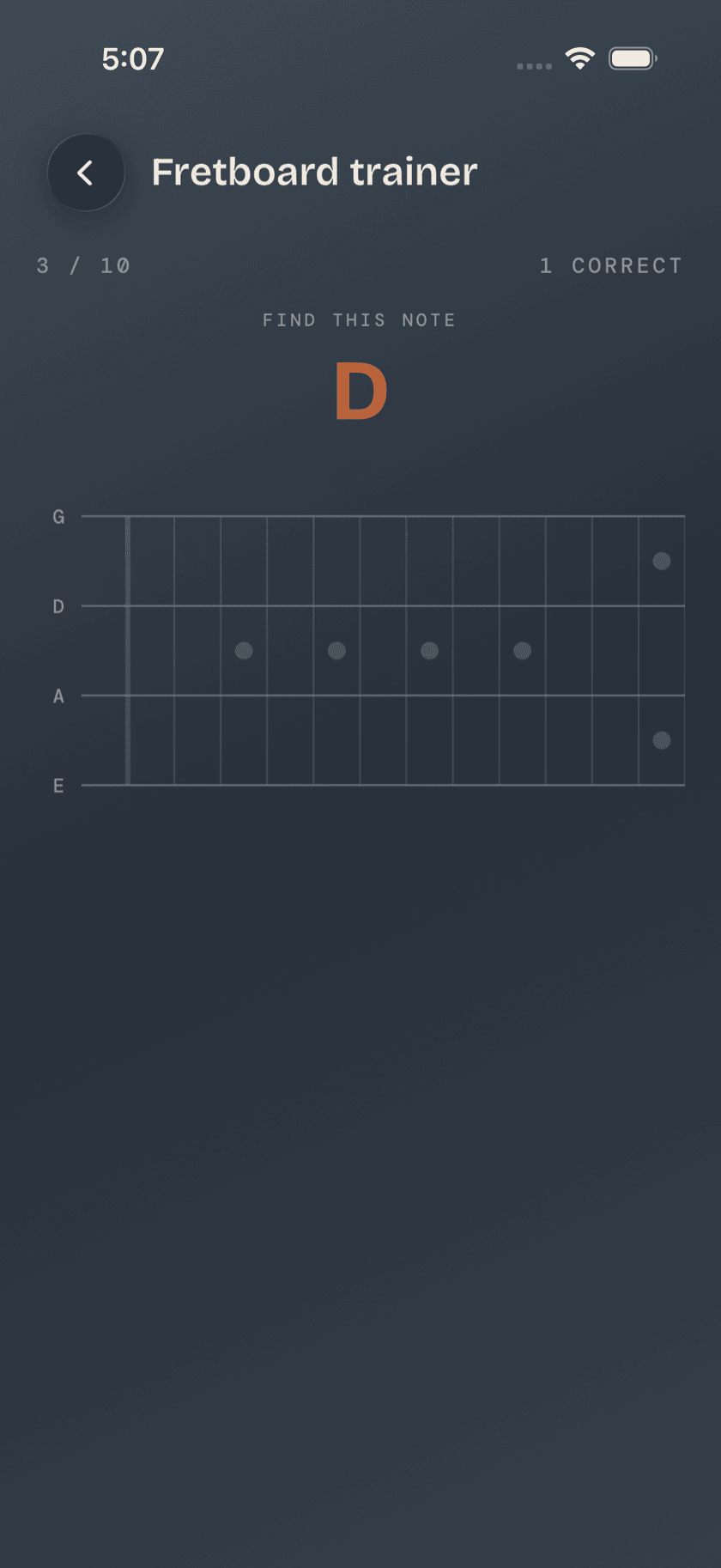
Fretboard Tools
Knowing where every note lives on the neck, apart from any one shape.
Practice Hub
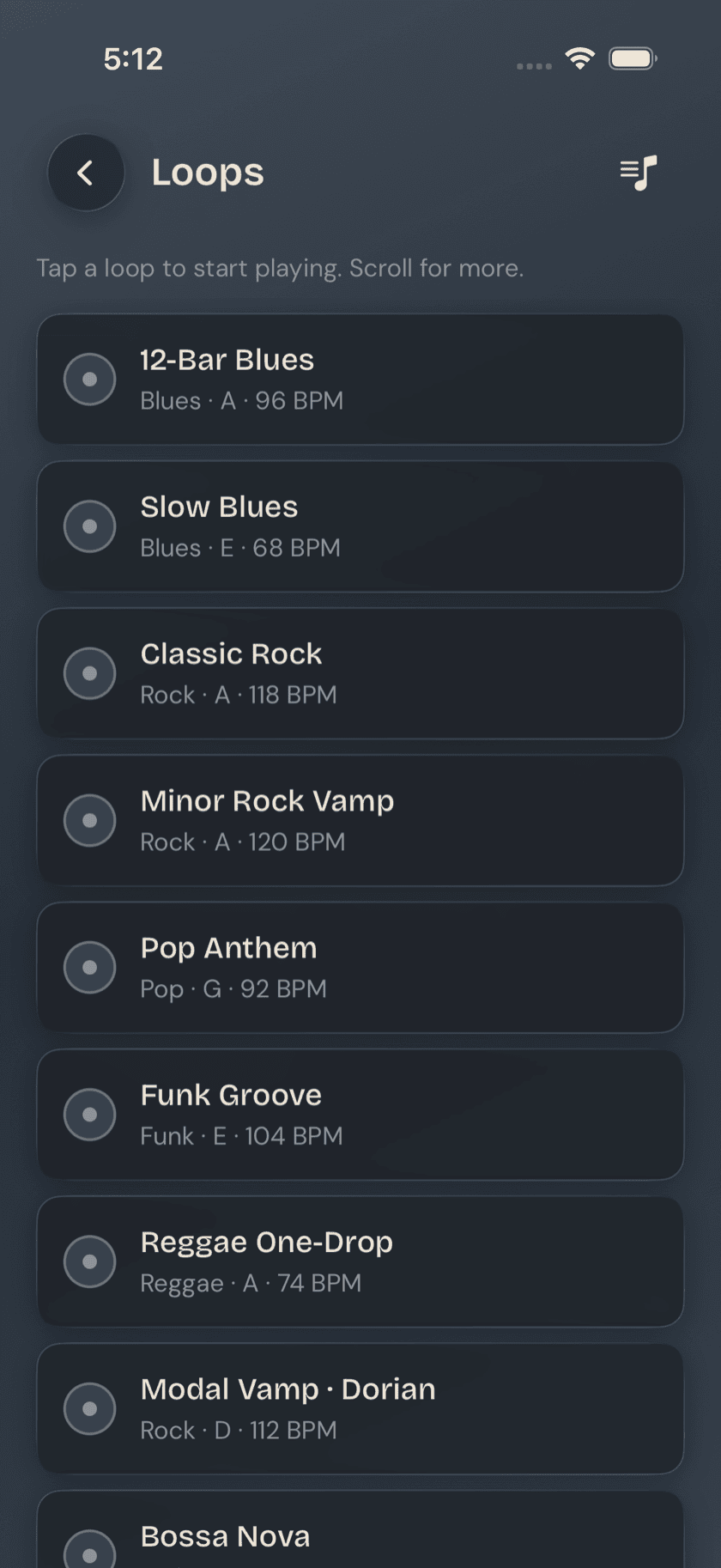
Loops
A library of backing tracks, plus a slower tool for isolating one hard passage.
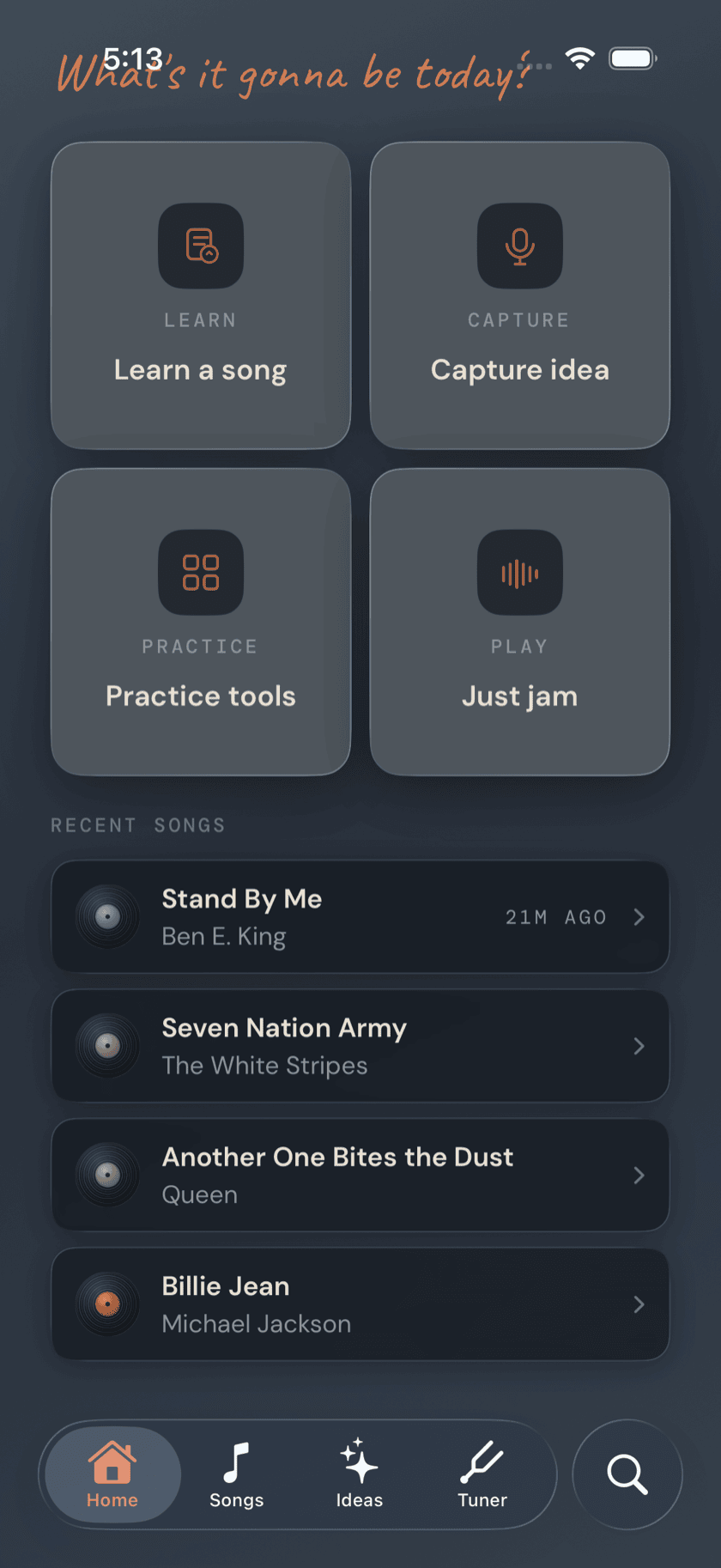
Practice Hub
Metronome
A steady click, on its own or already dialed to a song's tempo.
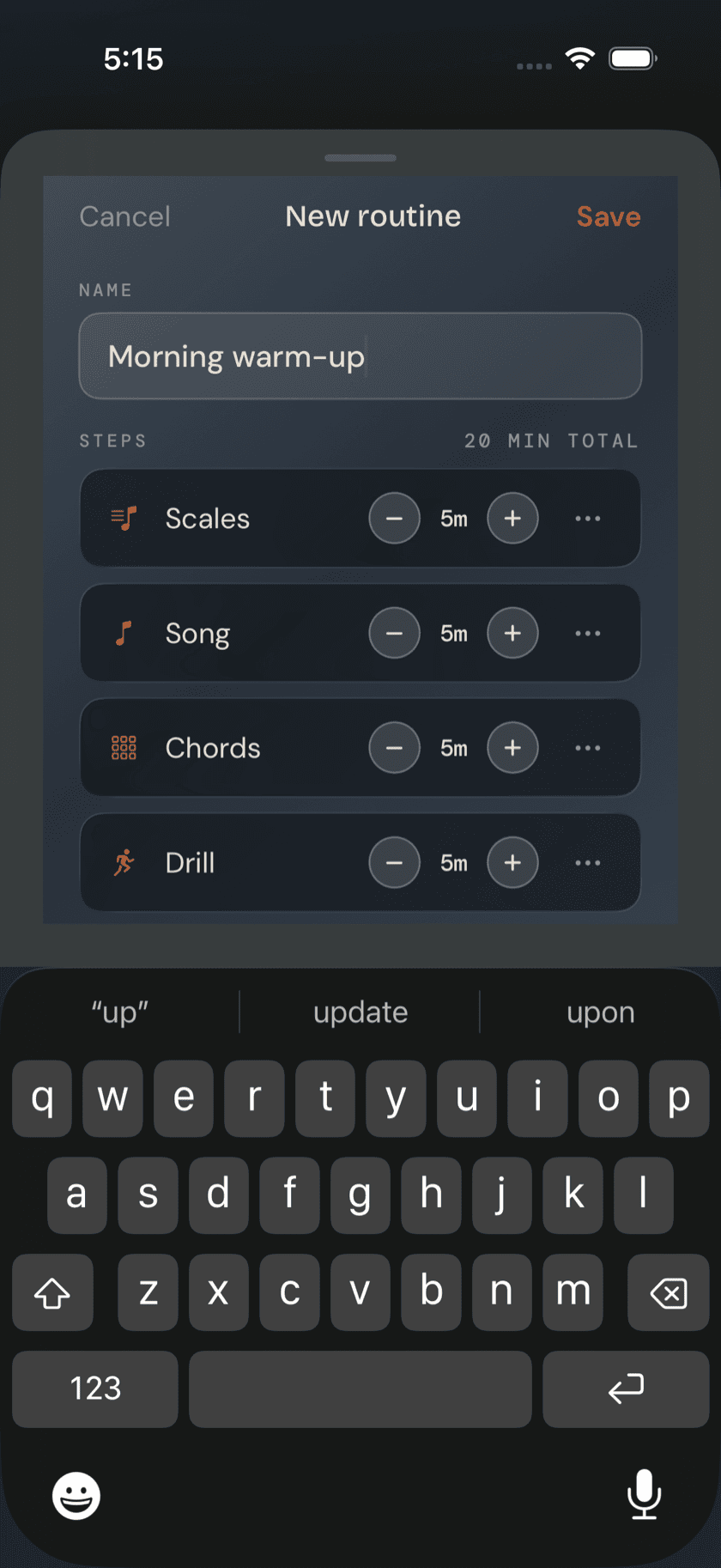
Practice Hub
Routines & Log
Stack a warm-up, a scale, and a song into one guided session.
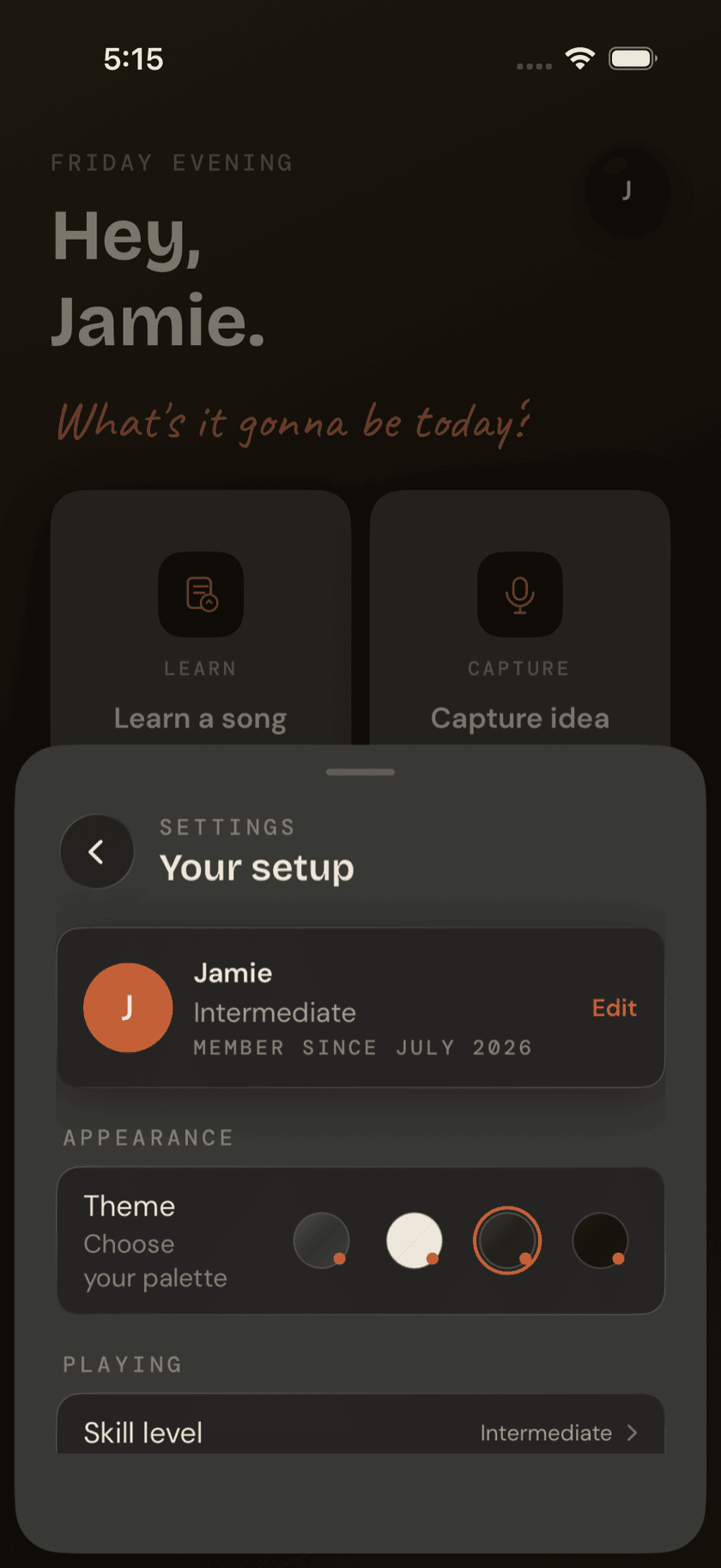
More
Settings
Appearance, playing defaults, permissions, and everything else in one sheet.
More
Bass Buddha Everywhere
iPad, Mac, and a standalone Apple Watch app.