Ideas
A judgment-free place for riffs, basslines, lyrics, and anything else that isn't a finished song yet. Kept separate from your library on purpose.
Not everything you play is a song. Sometimes it's a four-bar groove you fell into while noodling on the low E, a walking line you want to remember, a lyric that showed up in the shower. Songs is for things you're deliberately learning; Ideas is for everything before that — the messy, half-formed stuff that doesn't deserve its own polished library entry yet, but does deserve to not disappear.
Capturing an idea
Tap Capture idea from Home and pick one of two modes:
- Audio — one big button. Tap to record, tap again to stop. No setup, no naming it first — you review and save afterward, with an optional link to an existing song if this idea belongs to something you're already working on.
- Notes — a plain text editor for anything that isn't a sound: a bassline written out, a lyric fragment, a reminder about a groove or fill you want to try. It autosaves as you type, so there's no save button to remember to hit.
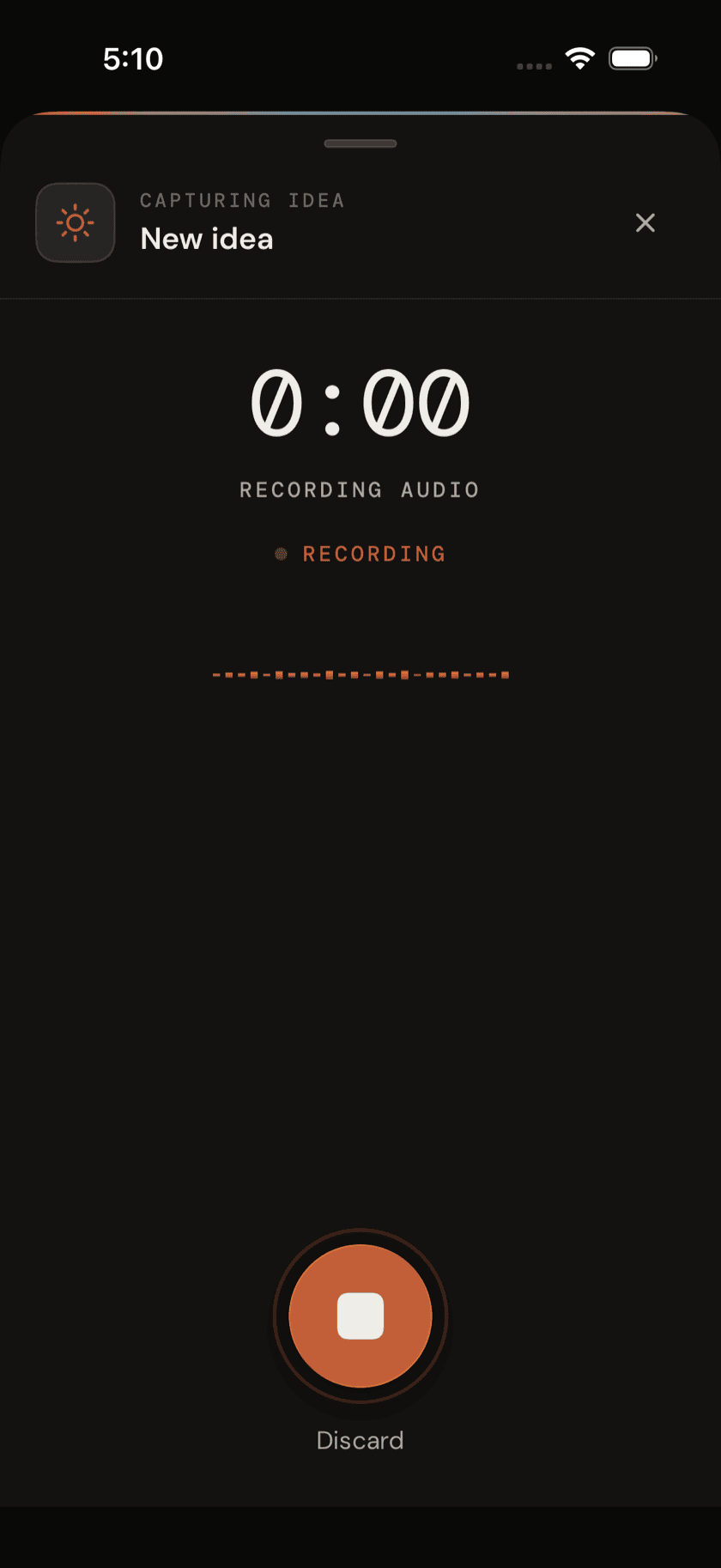
The capture sheet also shows your three most recent ideas right there, so if you're circling back to something you started yesterday, you can jump straight to it without leaving the sheet to go dig through the full list.
The Ideas list
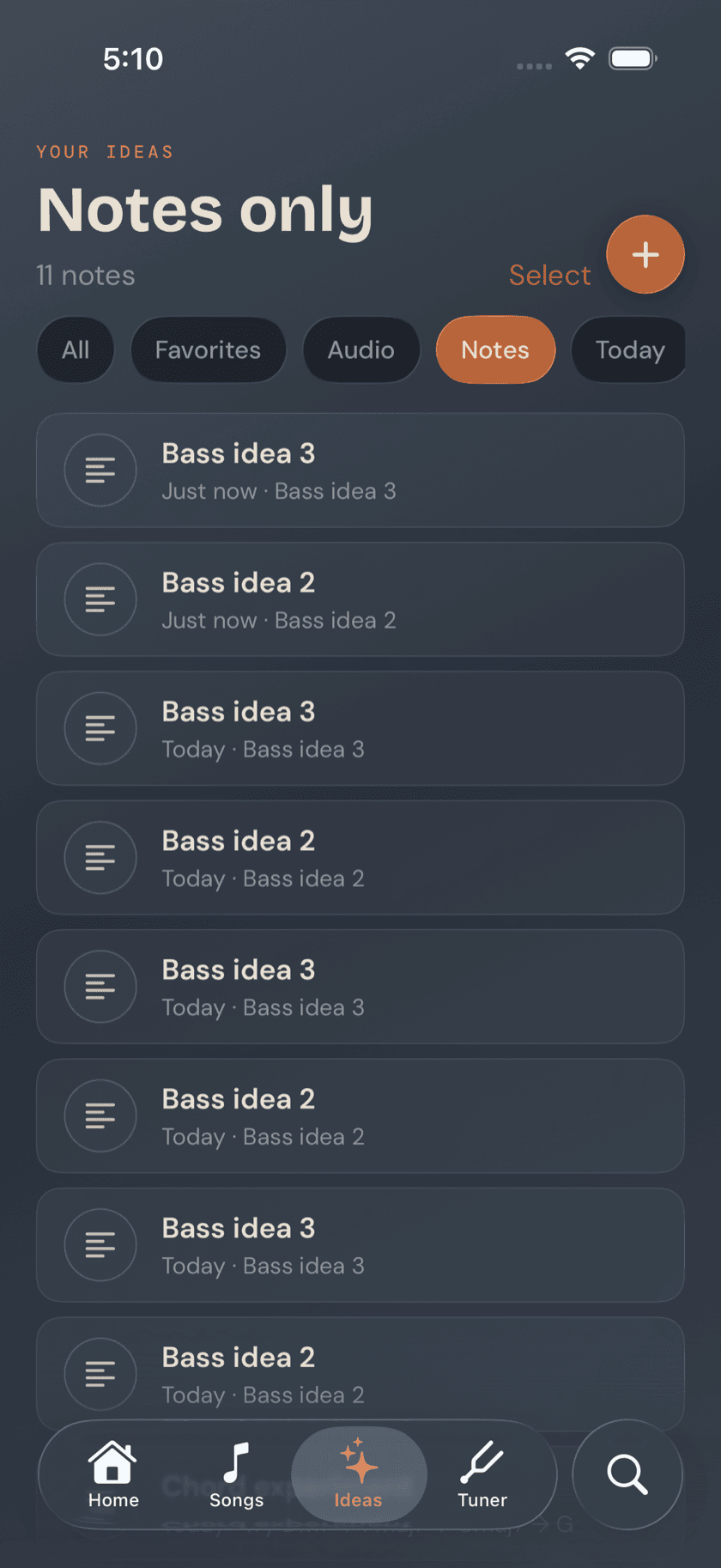
Every captured idea shows up here, newest first. Filter by All, Favorites, Audio, Notes, Today, or This Week once the list gets long enough that scrolling stops being the fastest way to find something.
Working with an idea
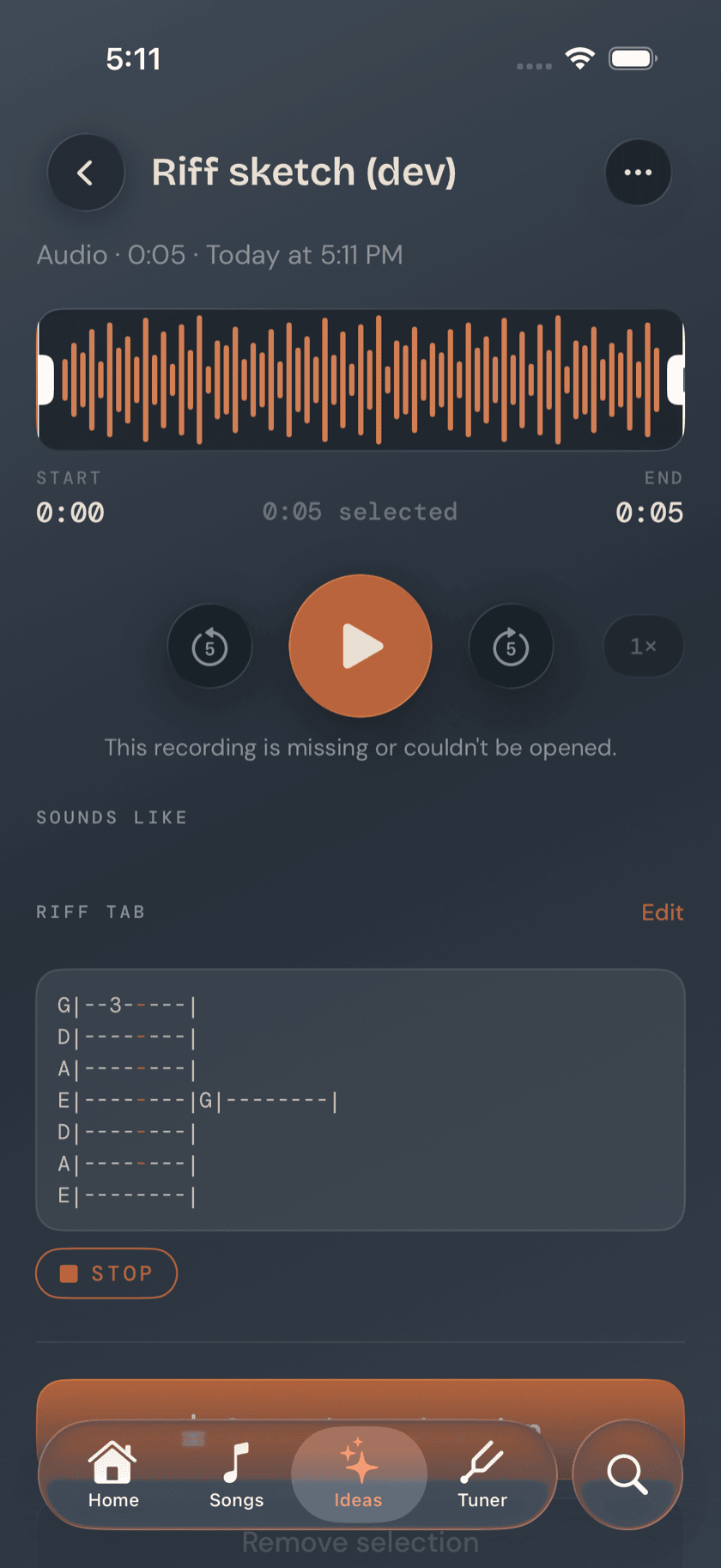
Open an audio idea and you get a trim-and-play waveform editor — the same one Songs uses for practice takes — so you can cut it down to just the part worth keeping. Open a text idea and you get the full editor, ready to keep adding to.
Either kind can carry a riff tab — a small block of plain-text tab notation, the kind you'd scribble on a napkin, that the app can also play back through its bass sampler with a cursor moving across the notes as it plays. Bass Buddha's tab is four lines (E, A, D, G), not six, so it reads the way a bass staff actually looks. It's a fast way to capture a line exactly as you meant to play it, not just describe it.
Linking an idea to a song
Any idea — audio or text — can be tagged to a song already in your library, or used as the starting point for a brand-new one. Once it's linked, that bassline you captured half-asleep on the couch shows up right on the song's own detail page, sitting alongside everything else you know about it. Nothing gets lost between "idea" and "song" — it's the same piece of music, just further along.
A calmer way to sit with your bass.
Learn songs, capture ideas, jam over backing tracks, and tune up — free, local-first, on iOS, iPadOS & macOS.
Explore Bass Buddha →