Tuner
A chromatic tuner built around the low end — it listens for whatever string you're playing, covers the drop and down-tuned presets bassists actually reach for, and locks onto notes a full octave below where most tuners are comfortable.
Tuner is the app's most-used tool, which is exactly why it gets its own permanent tab instead of living inside Practice. You'll open it constantly — before a session, between songs, mid-song if a string slipped. Underneath, it's a chromatic tuner: point it at a string, it tells you what note it heard and how close you are.
Reading the tuner
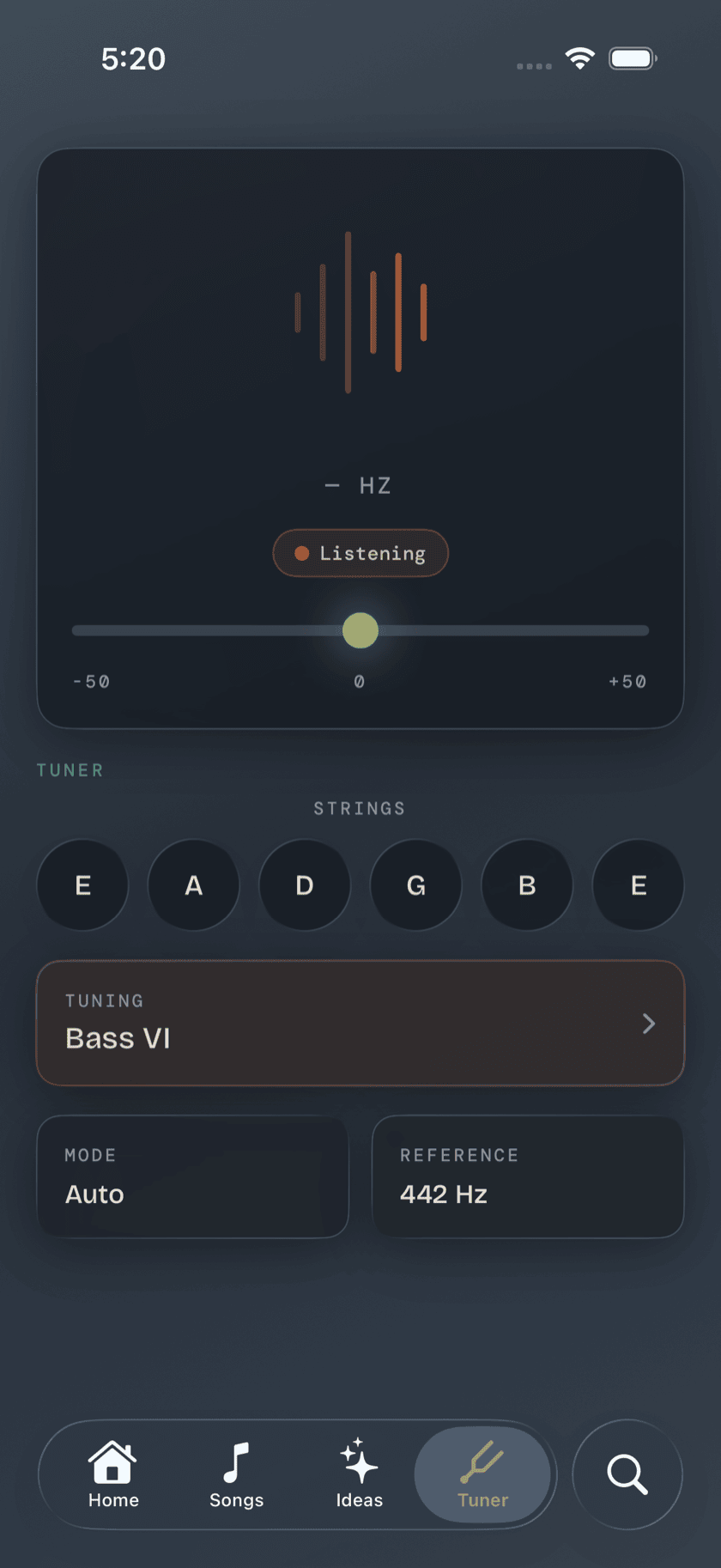
A big letter fills the middle of the screen — the note Tuner hears, large enough to read at arm's length. Underneath it, a pitch meter shows how many cents sharp or flat you are, and it turns solid green the moment you land in tune, so you're checking a color instead of squinting at a needle. The string you're currently sounding highlights itself as it's detected, so you always know which one the app thinks you're playing.
Auto and manual string mode
By default, Tuner listens to whatever you play and figures out the string on its own — pluck any of the four and it identifies the note without you telling it which one to expect. That's the mode you'll use almost all the time. But pitch detection has to guess in a noisy room, and a TV, an amp hum, or a second instrument nearby can throw that guess off — low notes are also just easier to mistake for each other than high ones. Tap a specific string letter to lock Tuner onto it: it stops guessing and listens only for that one note, which holds up a lot better when the room isn't quiet.
Built for the low end
Most pitch-detection code is written for the range guitars and vocals live in — call it 80 Hz and up. A bass's low E sits around 41 Hz, more than an octave below that, and generic detectors either take a beat too long to lock on down there or guess the wrong octave entirely. Tuner's detection is built around bass registers specifically, so the low string reads exactly as fast and as steady as the other three — this isn't a guitar tuner with a bass label stuck on it.
Worth knowing: the lower a note, the more cycles its pitch detector has to hear before it can be confident what the note is. That's just physics, not a bug — a low B or low E will always take a fraction of a second longer to settle than the G string does. Tuner is tuned to make that fraction as short as it can be.
Tuning presets
Standard E A D G is the default, not the limit. A built-in library covers seven tunings in all — the ones bassists actually reach for:
| Preset | Strings, low to high | What changes |
|---|---|---|
| Standard | E A D G | The default four-string layout, nothing detuned |
| Drop D | D A D G | Only the low E drops, a whole step to D |
| Half-Step Down | Eb Ab Db Gb | Every string down one semitone |
| D Standard | D G C F | Every string down a full step |
| BEAD | B E A D | Adds a low B, drops the high G — the bottom four strings of a 5-string bass |
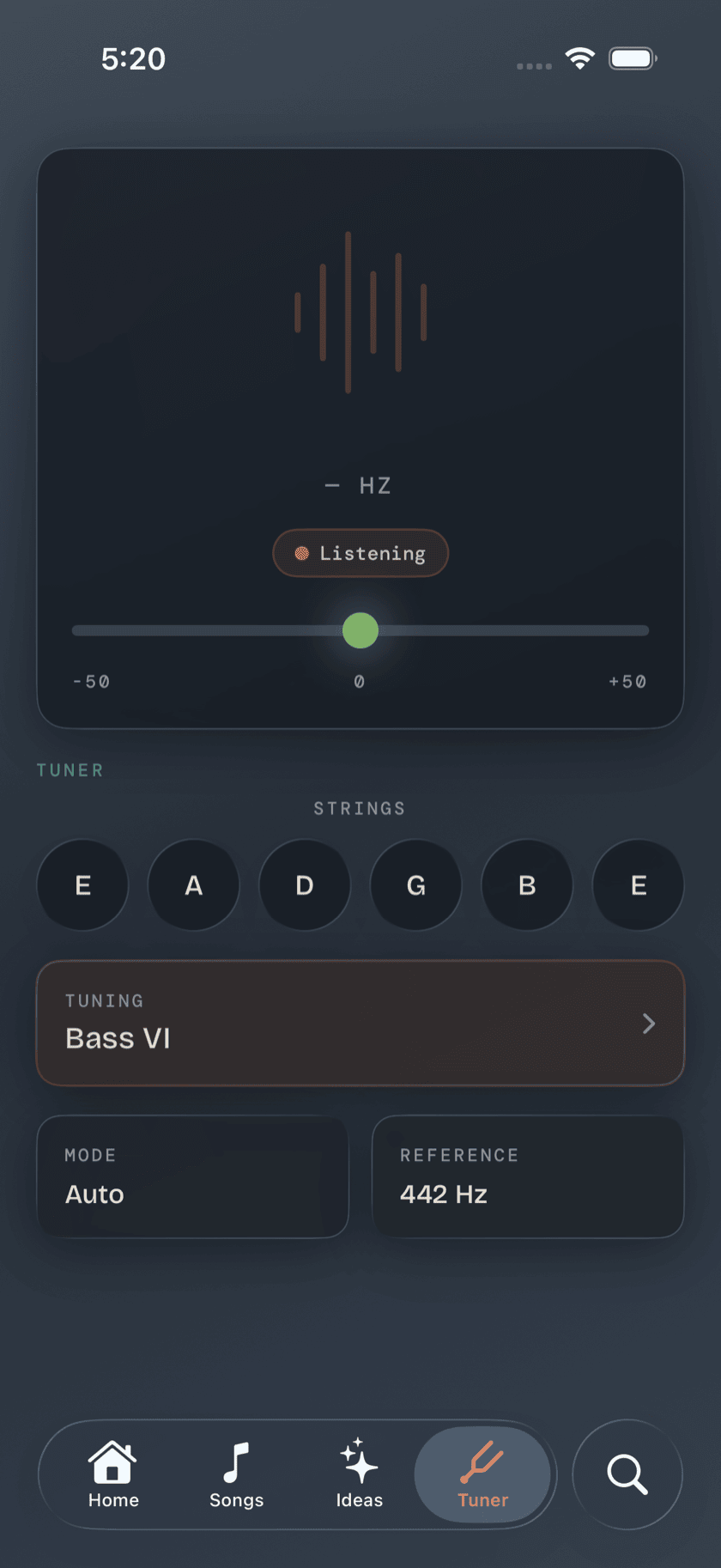
| Bass VI | E A D G B E | Guitar tuning, an octave down — the Fender/Squier/Danelectro six-string bass family |
| Extended 6-String | B E A D G C | The modern six-string bass — a low B and a high C added around standard |
Pick one from the list and every string relabels and retargets to match it. No manual math, no guessing what the third string is supposed to read now that you're in BEAD.
Custom tuning editor
Not every tuning is in the list. If you're chasing something from a recording, or a tuning you came up with yourself, the custom editor lets you set any note and octave, per string, by hand — all four of them. Save it and it behaves exactly like a built-in preset from then on — pick it from the same menu, tune to it the same way.
Reference pitch
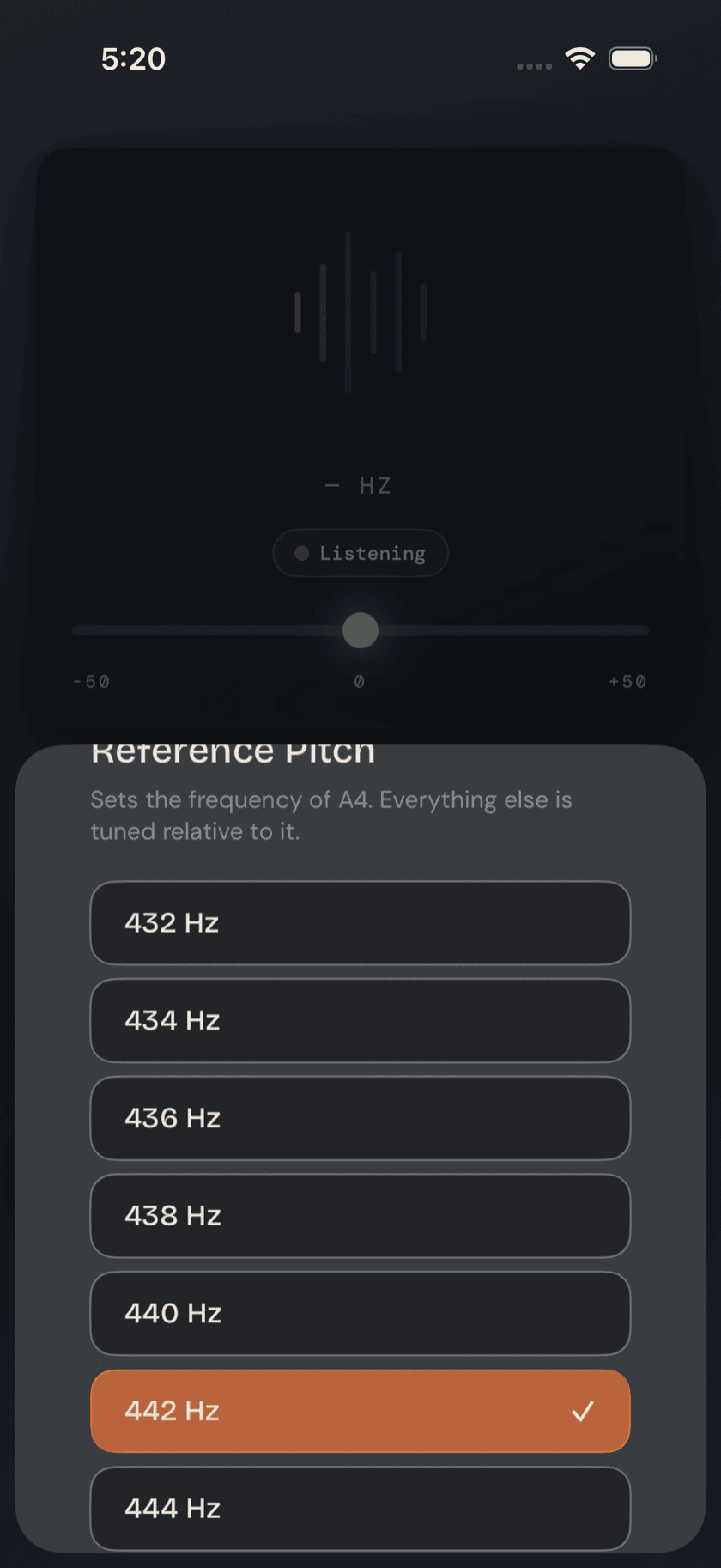
By default, the A above middle C is tuned to 440 Hz — the standard modern reference pitch. If you're matching a piano, playing along with a recording, or tuning with a group that runs a little different, adjust the reference right there in Tuner, anywhere from 432 to 444 Hz. Change it once and every string, in every tuning, retargets around the new reference.
A calmer way to sit with your bass.
Learn songs, capture ideas, jam over backing tracks, and tune up — free, local-first, on iOS, iPadOS & macOS.
Explore Bass Buddha →